
GUIDE 02
Start the one in front of you.
Put a short timer on the task at hand. Stopping partway is fine.
Today → Start
Choose what you are on now
On Today, tap Start under what’s next. If nothing is suggested, open Tasks in the tab bar, choose a task from Later and tap Start there.
Add a timer if it helps
On the focus screen, open Use a timer and pick 5, 10 or 25 minutes. Working without a timer is fine too.
Stop whenever you need to
Pause and Resume break it up. Leave a note to continue from under Note and task details only if you want one.
Tap Did it when you are done
Finishing the timer and finishing the task are two separate things. Tap Did it when the task itself is finished.
A little more, only if you need it.
If it says Start from today
Tasks placed on another day show Start from today. Tapping it moves the day you work on it to today; the original due date and event time stay as they are.
In the app
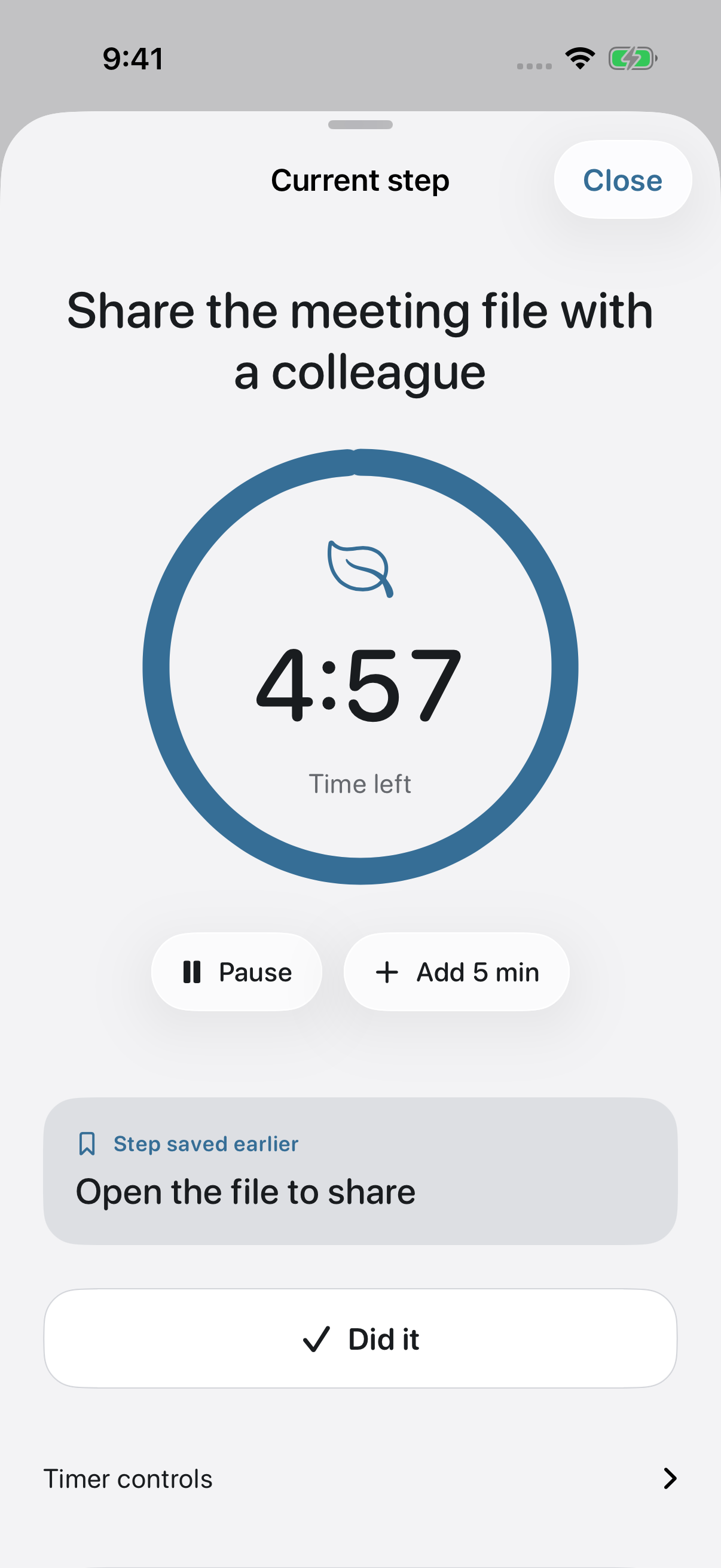
Getting a little way in and stopping for the day is a real outcome. You decide where to break.
If this did not solve it, get in touch.